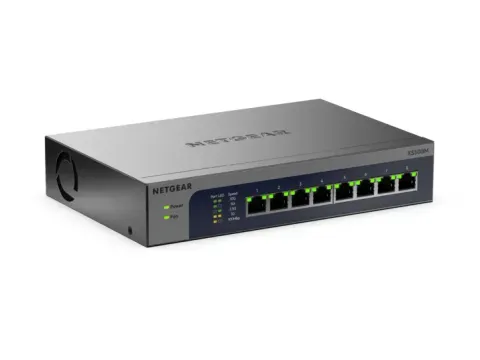
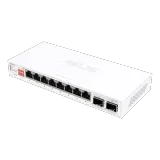
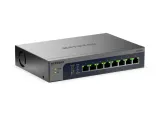
Five switches made this list:
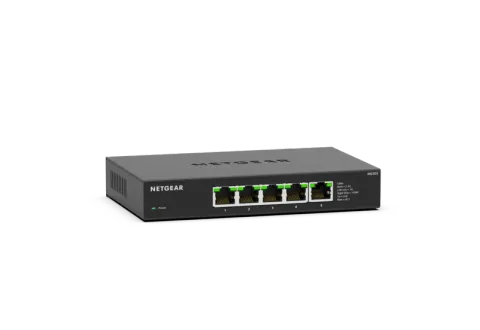
- NETGEAR MS305 for most homes. It has five 2.5 Gbps ports, no fan and no setup.
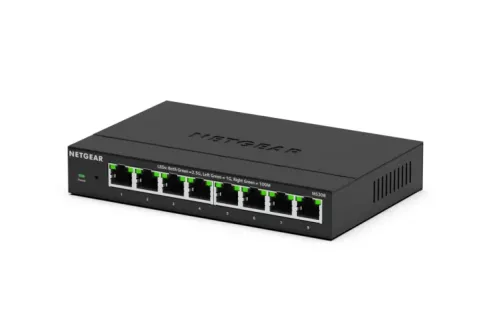
- NETGEAR MS308 if you need more ports. It’s the same design with eight.
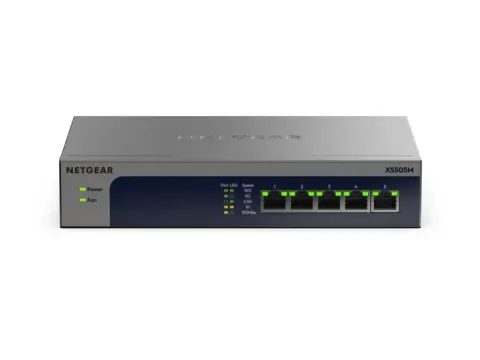
- NETGEAR XS505Mv2 if your router has a 10 Gbps port and you have a plan or devices that can use it.
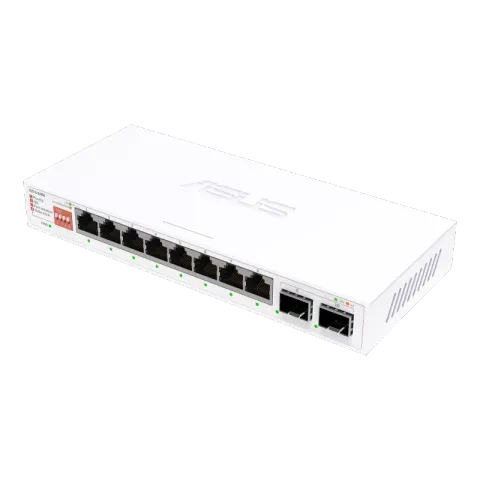
- ASUS QG-U1080 for a closet full of 2.5 Gbps devices that share a 10 Gbps uplink.
- NETGEAR XS508Mv2 if you have more 10 Gbps devices than five ports can take.
We haven’t tested these switches ourselves. We picked them from NETGEAR’s and ASUS’s specifications against the criteria below.
Do you need a multi-gig switch?
A wired link runs at the speed of its slowest end. A 2.5 Gbps switch only speeds things up if the router port it connects to and the devices plugged into it can all run faster than 1 Gbps. The cable has to keep up too. If your router has a single 2.5 Gbps LAN port and you have two or more multi-gig devices (a desktop, a NAS, a mesh satellite on wired backhaul), a switch lets them all share that faster link.
Multi-gig ports also fall back to slower speeds. The 2.5G and 10G copper ports on these picks also run at 100 Mbps and 1 Gbps, so you can plug in ordinary devices too. 2.5G, 5G and 10G Ethernet explained covers what each speed needs end to end.
The criteria that decide it
- Speed that matches your router and devices. A 2.5G switch matches a router whose fastest LAN port is 2.5 Gbps. A 10G switch only pays off if your router has a 10 Gbps port and something on the other side can use it. For routers with those ports, see the best routers for multi-gig internet.
- Cabling. IEEE’s objectives for 2.5G and 5GBASE-T target 2.5 Gbps over at least 100 m of Cat5e-class cable and 5 Gbps over at least 100 m of Cat6-class cable. For 10GBASE-T, the target over Cat6 is at least 55 m, with 100 m needing better cable. Existing Cat5e or Cat6 runs are usually fine for 2.5 Gbps. 10 Gbps is where cabling starts to matter.
- Enough ports. One port goes to the router, so a five-port switch leaves four for devices.
- Unmanaged unless you need more. All five picks are unmanaged: plug in and they work. Choose a managed switch only if you need VLANs or port monitoring.
- Noise. The MS305 and MS308 are fanless. The XS505Mv2 and XS508Mv2 each have one low-noise fan, which matters on a desk or in a living room. ASUS doesn’t say whether the QG-U1080 has a fan.
How they compare
NETGEAR lists the MS305 as an unmanaged switch with five 2.5 Gbps ports that also run at 1 Gbps and 100 Mbps, in a fanless metal case. The MS308 is the same design with eight ports.
The XS505Mv2 has five copper ports. Each one picks the fastest speed the connected device supports: 100 Mbps, 1, 2.5, 5 or 10 Gbps. NETGEAR lists it as unmanaged, with one low-noise fan. The XS508Mv2 is the eight-port version, with the same 100 Mbps-to-10 Gbps copper ports and one low-noise fan.
The ASUS QG-U1080 takes a different approach: eight 2.5 Gbps copper ports plus two 10 Gbps SFP+ ports. SFP+ ports take a fiber module or a direct-attach cable rather than an ordinary Ethernet plug, which suits a short link to a router or NAS that also has SFP+. ASUS doesn’t list which SFP+ modules or cables it supports, so check compatibility before you buy one. It’s unmanaged, with switches on the front for options such as port isolation. ASUS also makes a five-port 2.5G version, the QG-U1050, which fills the same role as the MS305.
Why this list is short
We only include switches whose port speeds and design we could confirm on the manufacturer’s own pages. Five met that bar at the last update. PoE switches for access points have their own guide. Prices aren’t listed because they change constantly. Each “Check price on Amazon” button opens an Amazon search for that exact model.
If a room has no Ethernet yet, Ethernet, MoCA or powerline covers the ways to get a wired link there.