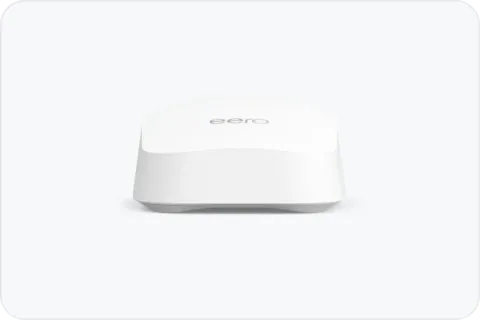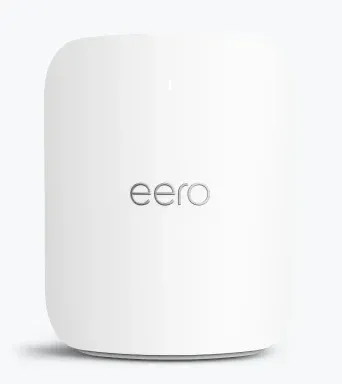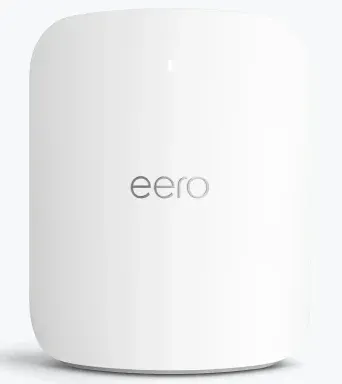
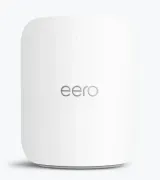
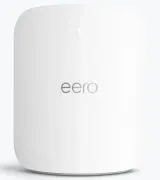
Short answer: if you want your Wi-Fi router to also be the Thread border router for your Thread and Matter devices, get an eero. eero says every current Wi-Fi 7 eero has one built in. Choose the eero 7 for most homes, the eero Pro 7 if you want 6 GHz and faster ports, or the eero Max 7 for a multi-gig plan. Among the router brands we can recommend under the FCC’s router rule, eero is the only one we found that documents a built-in Thread border router.
What a Thread border router does
Thread is a low-power mesh network for smart-home devices such as locks, doorbells, fans and thermostats. eero explains it this way:
- The border router connects the Thread mesh to the rest of your network, your Wi-Fi and Ethernet devices. Each Thread-capable eero acts as one.
- Thread routers are always-on devices, such as lights and smart plugs, that pass traffic along and extend the Thread network’s reach.
- Compatibility: Thread works with Matter-compatible devices and some Apple HomeKit devices, and eero says all Thread devices should work with its border router.
With a router that’s also a border router, your Thread devices reach the network without a separate hub. eero adds that Thread and its Zigbee hub can run at the same time. For how Thread and Matter fit together, see Thread and Matter explained.
Why every pick is an eero
eero names the eero 7, eero Pro 7, eero Max 7, eero PoE 7 and eero Outdoor 7, along with several of its Wi-Fi 6 models, as Thread border routers that are Thread 1.3.0 compliant. Because every eero in a network can act as a border router, adding more eeros also adds more border routers.
Our picks
| eero 7 | eero Pro 7 | eero Max 7 | |
|---|---|---|---|
| Best for | Most smart homes | 6 GHz devices, faster wired links | Multi-gig plans up to 10 Gbps |
| Wi-Fi | Wi-Fi 7, dual-band | Wi-Fi 7, tri-band (BE10800) | Wi-Fi 7, tri-band |
| Wired ports | Two 2.5 GbE | Two 5 GbE | Two 10 GbE, two 2.5 GbE |
| Smart home | Thread border router | Thread, Zigbee hub, Matter controller | Thread, Zigbee hub, Matter |
eero 7. Dual-band Wi-Fi 7 with two 2.5 GbE ports and up to 2,000 sq ft of coverage, by eero’s figure. It suits most homes, and you can add more units as a mesh.
eero Pro 7. Tri-band Wi-Fi 7 with 6 GHz and two 5 GbE ports. eero lists a Zigbee hub, Thread, and Matter support as a controller only. Choose it for a home with many 6 GHz devices or wired links faster than 2.5 Gbps.
eero Max 7. Tri-band Wi-Fi 7 with two 10 GbE and two 2.5 GbE ports, for plans up to 10 Gbps. eero lists a Zigbee hub, Thread and Matter compliance, and up to 2,500 sq ft of coverage. It’s for multi-gig plans; the best routers for multi-gig internet explains when those ports matter.
The specifications come from eero’s own pages. eero’s routers held an FCC Conditional Approval to 31 October 2027 as of the FCC’s notice of 9 September 2026. See the FCC router rule explained. All eero routers are set up and managed in eero’s app. For general router picks not focused on smart homes, see the best Wi-Fi routers.
Before you buy
- Thread credentials and your phone. The eero app syncs your Thread network credentials to your Apple or Google keychain by default, so other smart-home apps can find the network. You can turn this off in the app’s Thread settings.
- Keep smart-home devices separate. Smart plugs and cameras on Wi-Fi are often better on their own network: guest and IoT networks shows how.
- Coverage. eero says each eero acts as a border router and always-on Thread devices extend the Thread network, so an eero near your devices helps. How many mesh nodes you need covers placement.