Short answer: a wall jack is one end of a cable, so it can only give a connection if the other end is plugged into your router or a switch. Find that end first, connect it, and try a known-good patch cable and device at the jack. If it still won’t link, trace the cable and test it for a wiring fault.
Quick checks first
Find where the jack goes
Connect the panel end
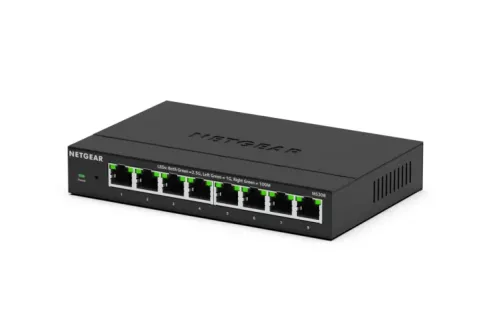
Each cable at the panel needs a port on your router or a switch. If there are more cables than your router has ports, add a switch next to the panel; how to add Ethernet ports covers choosing one. Then try the wall jack again.
Trace a cable with a tone kit
Fluke Networks says tone and probe kits, and the toners built into some testers, are used to troubleshoot installed cabling and locate a cabling link. For the SmartTone mode of its Pro3000 kit, Fluke’s steps are:
- Set the toner to tone and clip its red lead to one wire of a pair and its black lead to the other wire of that pair.
- Choose the alternating tone.
- At the other end, hold the probe near the wires and pick the pair with the loudest tone.
- To confirm, short and then separate the two wires of that pair. The tone changes when you have the right one.
Fluke says this mode is for de-energised (“dry”) wires that are unterminated at both ends, which means the bare conductors aren’t punched down into a jack or crimped into a plug. It isn’t meant for wires carrying DC power, such as phone lines, or live AC signals. Never clip a toner to anything that might be live, and follow your own kit’s instructions.
Test the cable
Fluke says a wire map test checks for opens, shorts, reversed pairs, crossed pairs and split pairs, and that one of the most common failures is a cable wired to T568A at one end and T568B at the other, which creates a crossed pair. Its advice when a test fails is to inspect the termination first: check how the wires are seated in the jack or plug at each end. The two schemes aren’t interchangeable, so both ends must match colour to colour. If the termination looks right and your tester reports the length of each pair, Fluke says a cut or break can show up as one pair measuring much shorter than the others.
If the jack links but your device shows 100 Mbps instead of 1 Gbps, see Ethernet stuck at 100 Mbps.